Can I embed a video or podcast into my post?

Firstly, click on your profile picture in the top right hand corner of the page and go to ‘My Posts’.
Here you can either create a new post, or select an existing post into which you would like to embed the video or podcast.
If you are using YouTube, click the share button below the video and choose Embed, which will allow you to copy the embed text (see screen shot 1 below).
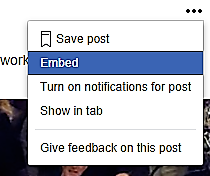
Screen shot 1: share button to copy the embed text on YouTube.
For Vimeo, click on the share button in the top right hand corner of the page and hit 'Copy embed code'.
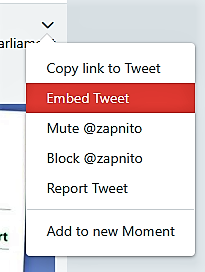
Screen shot 2: share button to copy the embed text on Vimeo.
If your podcast is on SoundCloud, click the share button below the podcast and choose Embed, which will allow you to copy the embed text.
In these examples you will be able to copy the code to your clipboard. Then click on 'Tools' > 'Source code' and paste the embed code. Click 'Save' post. When you publish your post, your video or podcast will be ready and waiting.

My background is mainly in species conservation, education and capacity exchange. I researched mother-young interactions in gorillas and chimpanzees, in captivity and the wild. After that, I worked for three years in Indonesia, where I developed and implemented youth ambassador and community engagement programmes on local and regional scales. I co-founded WildHub, a community of nature conservation professionals, in 2020 and work as their Community Lead. I am furthermore on the Advisory Board of the Durrell Institute of Conservation and Ecology (DICE) at the University of Kent where I obtained my PhD on capacity development for conservation in 2022.