SMART Conservation Tools
Dear Colleagues,
We are excited to announce the release of SMART Mobile and SMART 6.3. You can download and find more information at www.smartconservationtools.org
SMART Mobile — The best solution for capturing data in protected areas
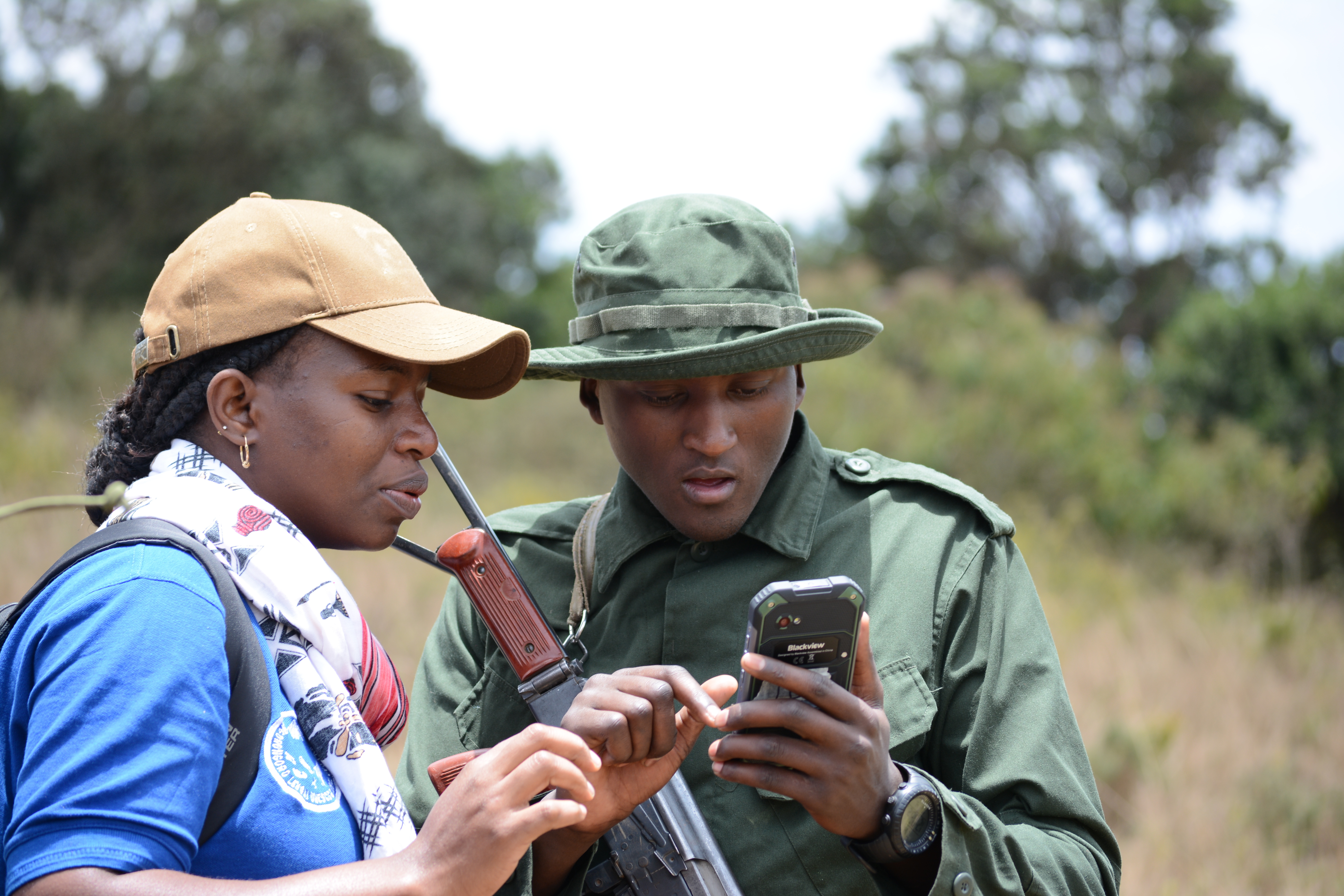
SMART Mobile allows staff to easily, accurately, and quickly collect and upload data for analysis and action. SMART Mobile takes advantage of the technologies now readily available in mobile devices (e.g., GPS, cameras, large multi-touch screens) to enable geo-referenced field observations, photos and other data to be collected using a single interface on one device.
Data can be directly transferred into SMART via connection to a computer, or wirelessly via SMART Connect. SMART Mobile enhances the tried and trusted power of CyberTracker with a new and streamlined data entry process, support for high-resolution icons, touch/swipe controls, advanced mapping and navigation, support for multiple languages, flexible changes to patrol metadata on the fly, real-time alerts, and many other new functions. Read more here about the new improvements of using SMART Mobile.
New Kiosk Mode
SMART Mobile introduces a robust new Kiosk Mode which allows users to lock their mobile devices for exclusive use by SMART Mobile. The use of mobile devices for non-SMART apps drains batteries and distracts people from the critical jobs they perform. Kiosk provides security and additional peace of mind for managers. Ensuring mobile phones are locked down is one of the top demands we have for SMART Mobile.
The updated version of SMART 6.3 includes a fully integrated tool to help you install Kiosk Mode easily.
Getting Started with SMART Mobile
Ready to start collecting data with SMART Mobile? Visit the SMART Mobile release page to download SMART Mobile - https://smartconservationtools.org/smartmobile/
To learn more about how to use SMART Mobile, read the updated SMART Mobile Data Collection guide
For Connect Users
SMART Mobile can be used with SMART Connect to allow real-time data transfer of data and alerts.
Connect users should contact info@smartconservationtools.org to coordinate their upgrade.
If anyone is interested in using SMART conservation tools at their site please send a response to this conversation.
Cheers
Tony Lynam
Wildlife Conservation Society - Center for Global Conservation
SMART Partnership
PMWC Course May 2020

My research interests include the natural history & conservation ecology of small mammals, wild cats, Asian elephants, and tapirs, species responses to deforestation & habitat fragmentation, hunting & wildlife trade. I work at the interface between conservation science & applied wildlife management, using evidence-based approaches, statistical analysis, & technologies (EarthRanger, camera-trapping, acoustic sensors, RS imagery, SMART) to advise the conservation of wildlife populations in tropical Asia, Oceania and East Africa.